

Get your initial orders done quickly.
You can generate initial orders for Diamond, Lunar, and coming soon - Penguin Random House.
Quickly know what you need to order, and generate a .txt file to upload to your vendor.
Step 1: Select the month to generate initial orders for.
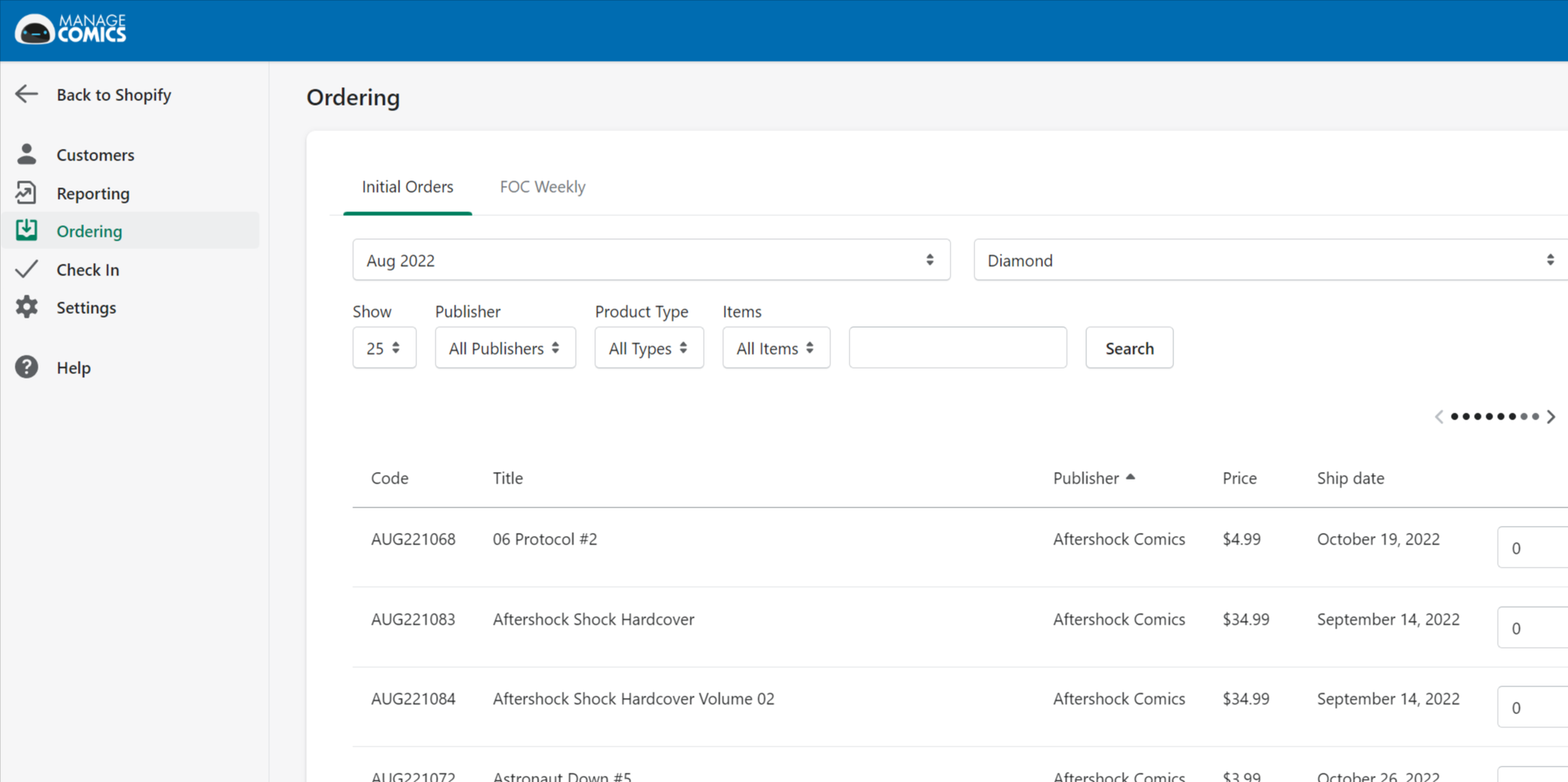
Step 2: Select the vendor (Diamond, Lunar or Penguin Random House)
Step 3: Wait while the report is generated.
Step 4: Export to TXT (in the format of the vendor selected to upload to the vendor), or Download a CSV Report for offline review.
COMING SOON: Full order tracking, history, and sales velocity.
See also: