
If you use Socket Mobile's 1-dimensional SocketScan S700, or the SocketScan S720 Bluetooth barcode scanner with Shopify POS and you're wanting to add the additional information from comics and TPB's into your POS we've got some ideas for you.
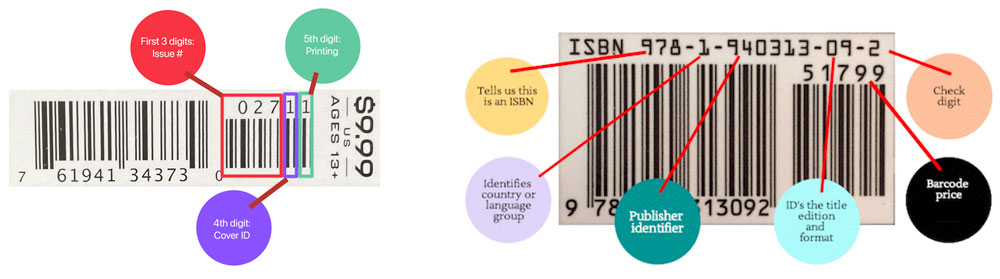
You'll need to set your scanner to accept the additional characters after the initial bar code.
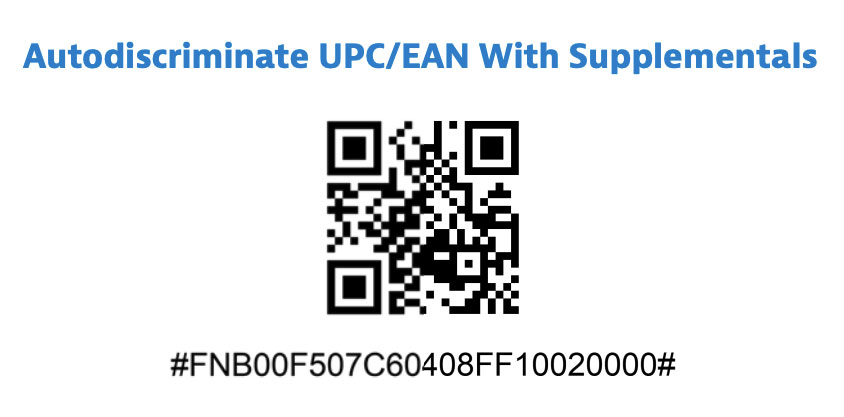
In the Socket S700 or SocketScan S720 programming guide, you will need to add the option for "Auto discriminate UPC/EAN With Supplementals".
SocketScan S700 Bluetooth Barcode Scanner
Before scanning, please disconnect the scanner from your host device by turning Bluetooth off.
Scan the following barcode with your SocketScan S700 barcode scanner.

You will hear a single long deep beep sound to let you know it was successful.
---
SocketScan S720 Bluetooth Barcode Scanner
If you have the SocketScan 720, you need to use a QR Code based code for this.
Before scanning, please disconnect the scanner from your host device by turning Bluetooth off.
Scan the following QR Code with your SocketScan S720 barcode scanner.