

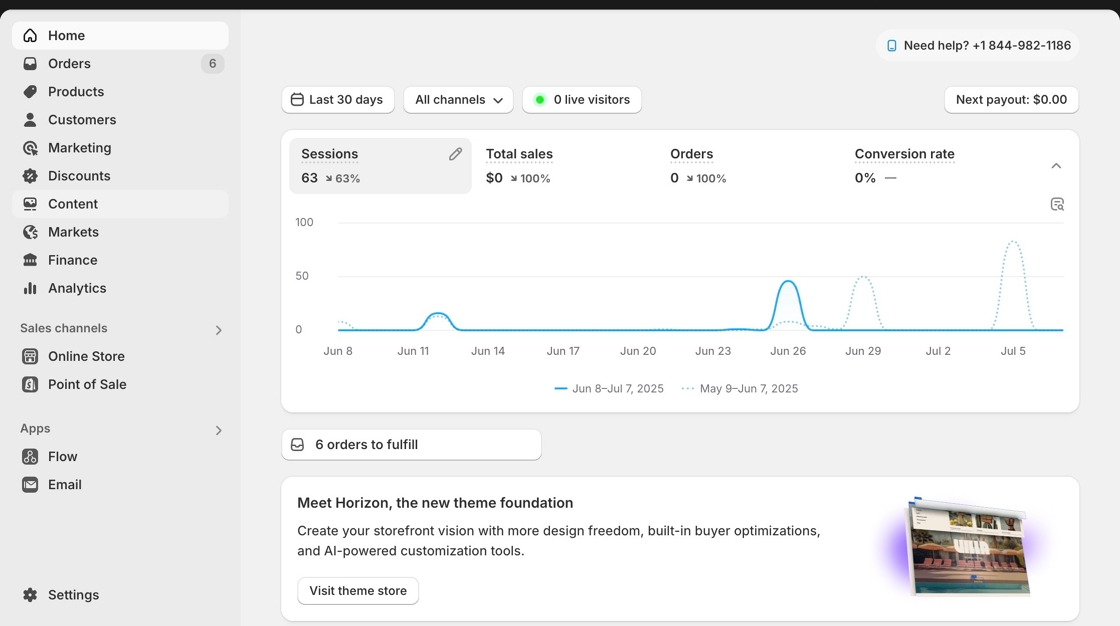
1. Navigate to your Shopify Admin page
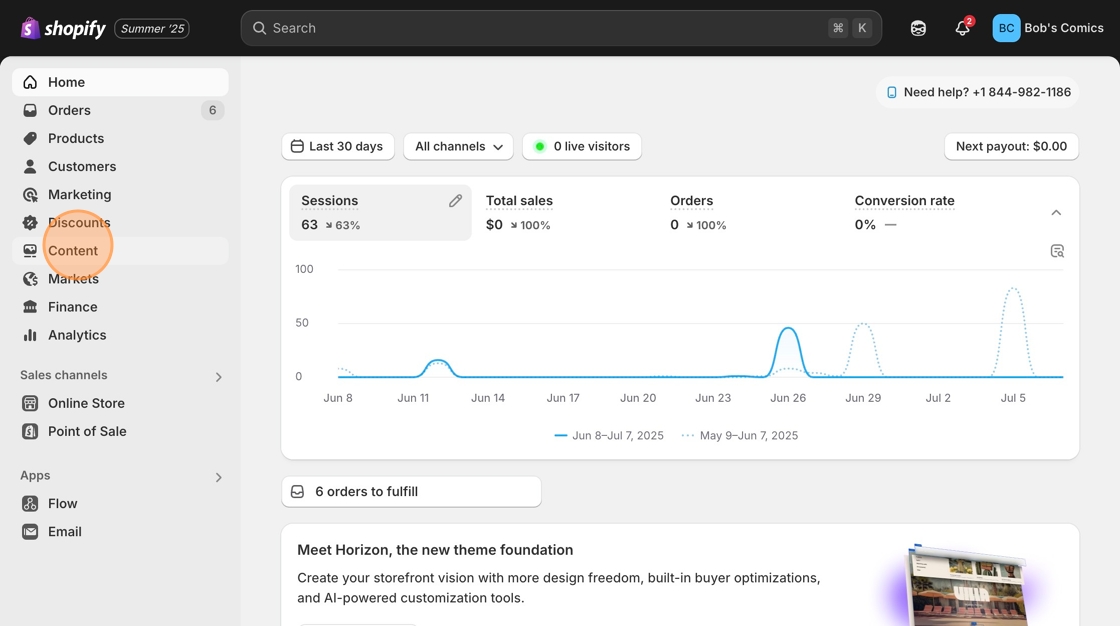
2. Click "Content"
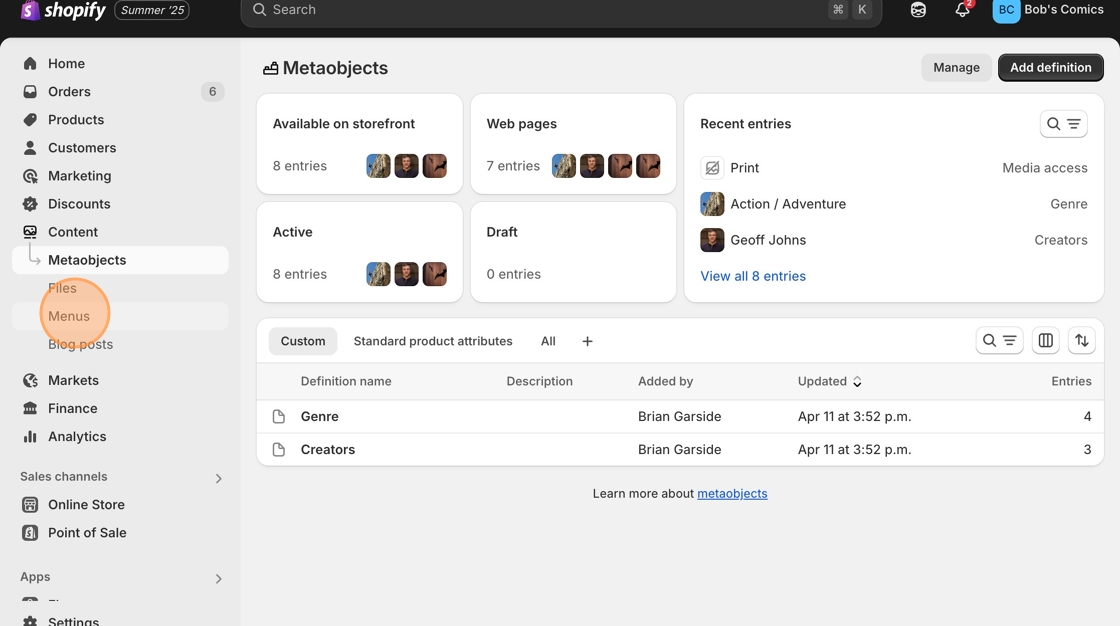
3. Click "Menus"
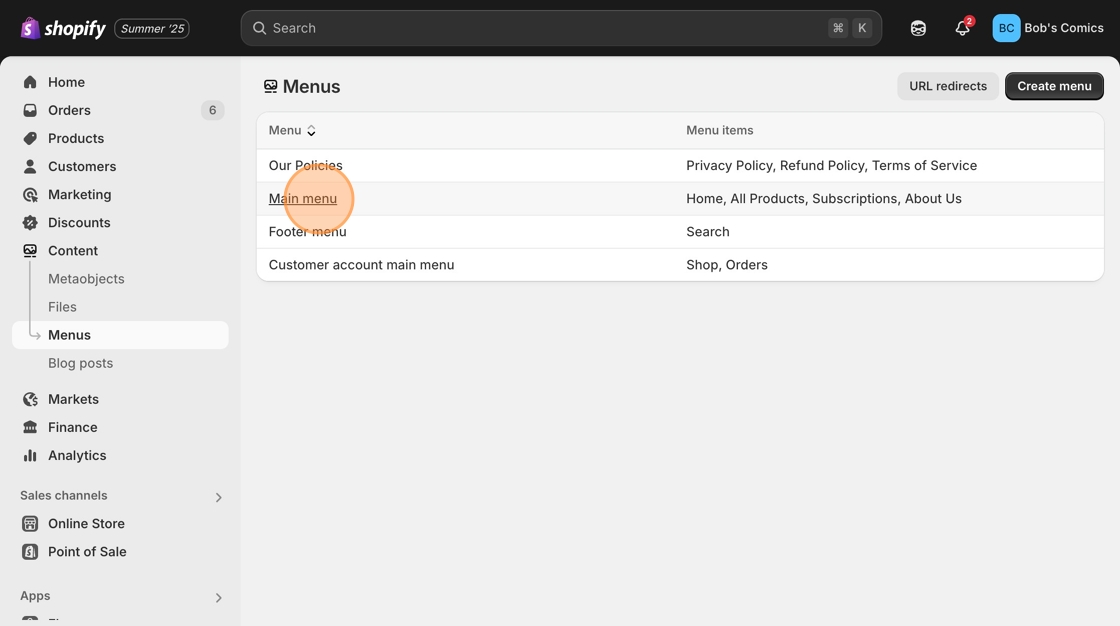
4. Click "Main menu"
5. Click "Add Menu Item"
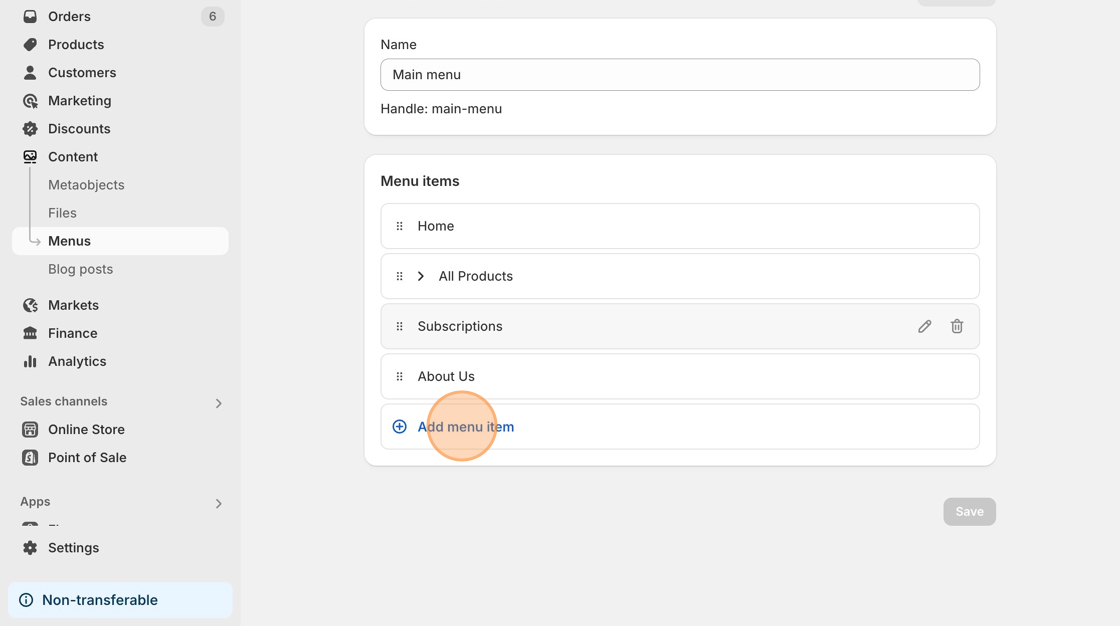
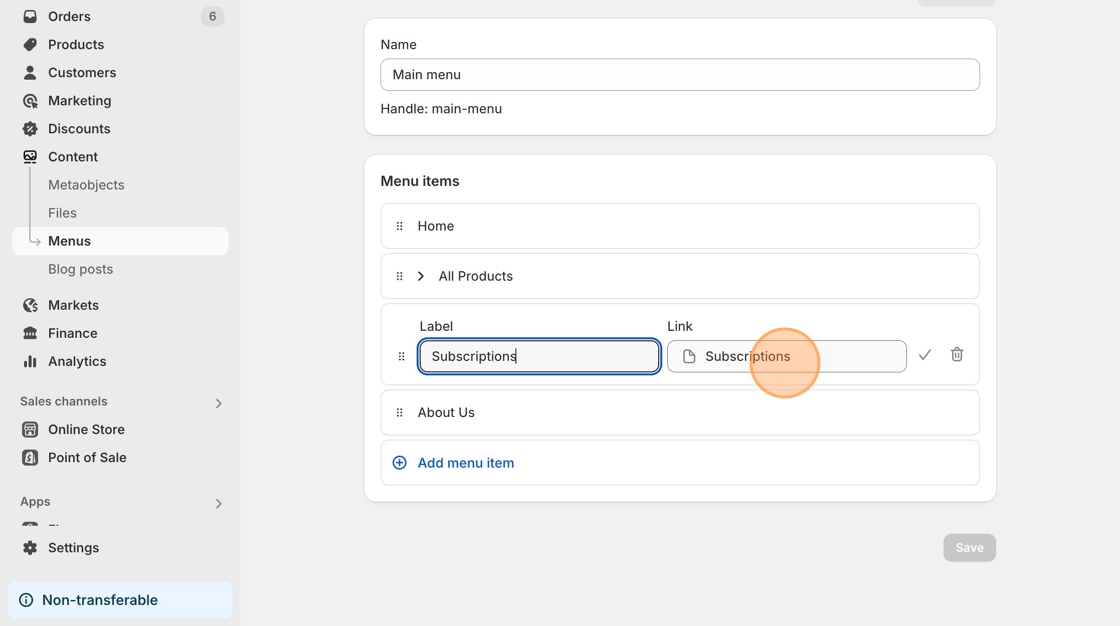
6. Click the "Link" field.
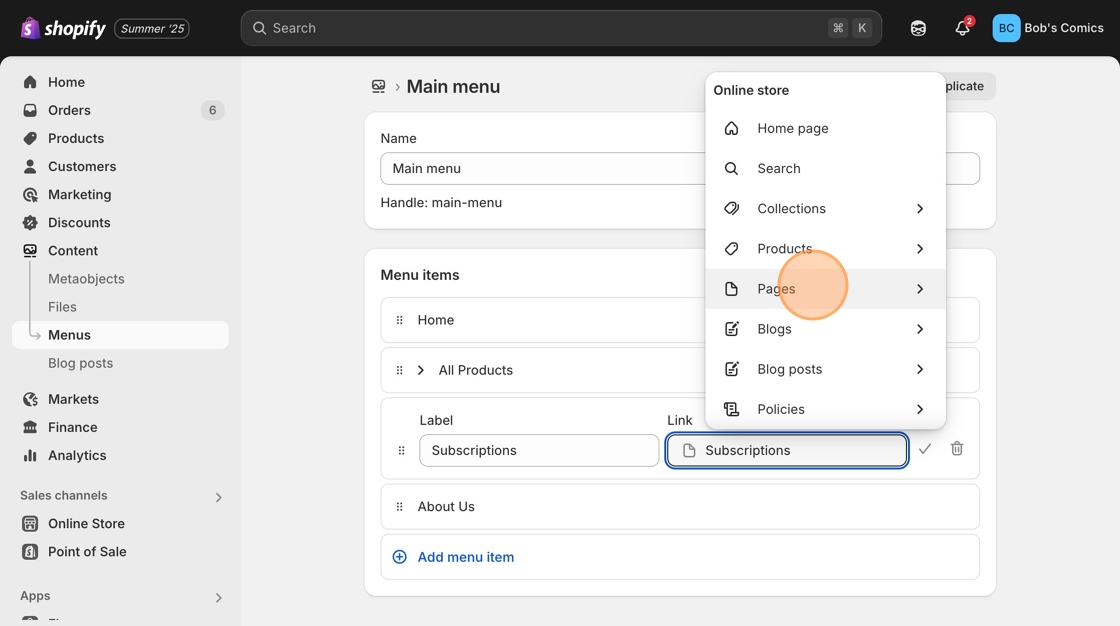
7. Click "Pages"
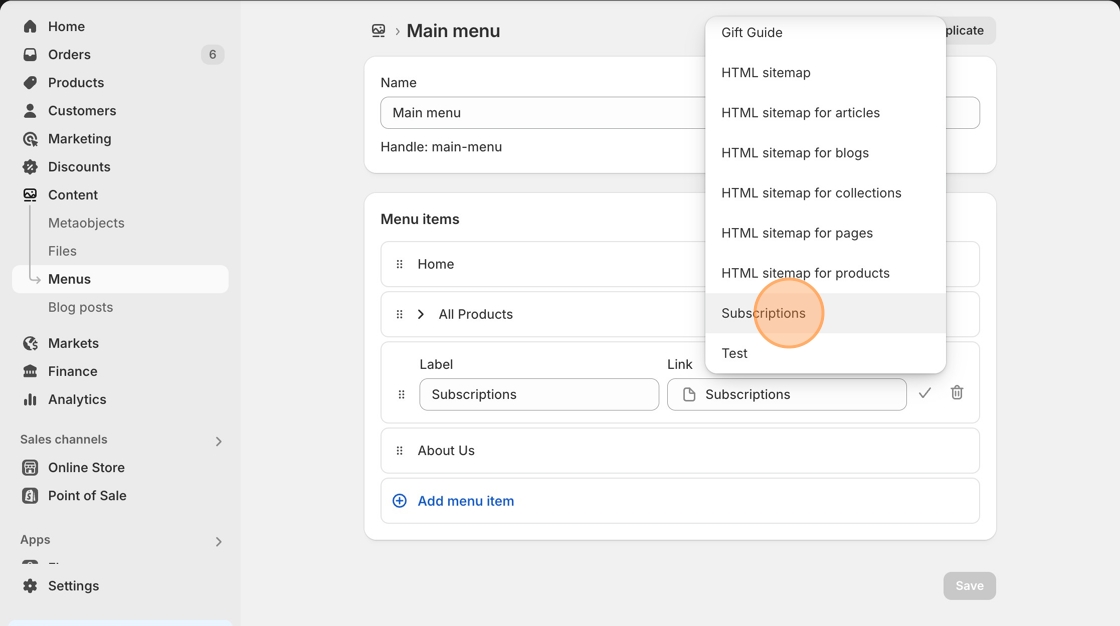
8. Navigate to, and click "Subscriptions"
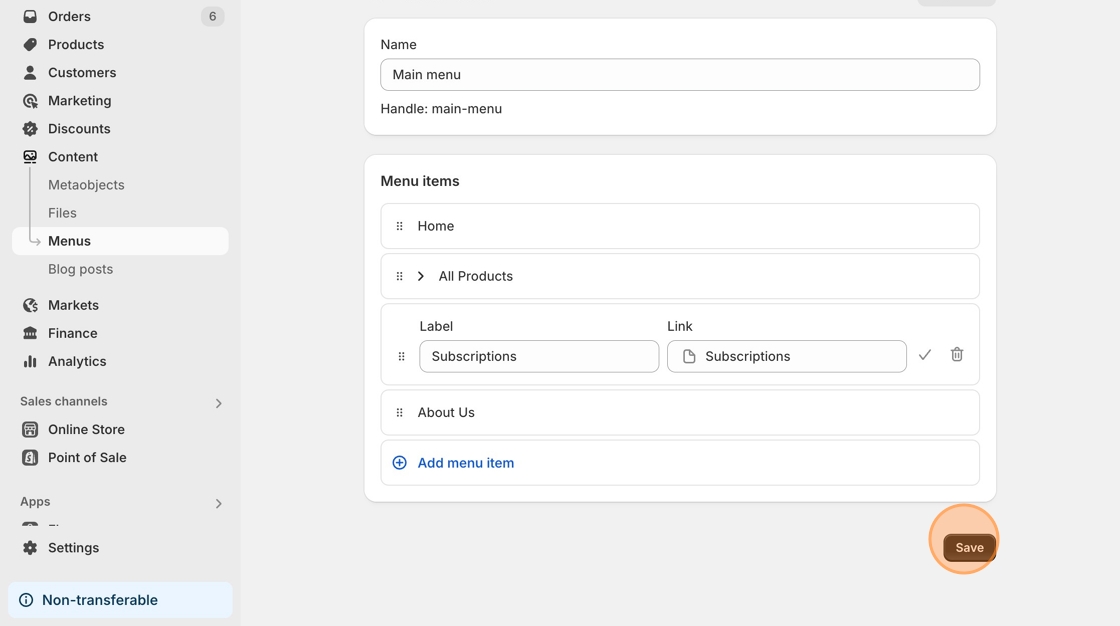
9. Click "Save"
Add Manage Comics to your Customer Accounts Menu:
Customer Accounts is another way that customers can navigate your website. For this you will need to modify your Customer Accounts menu.
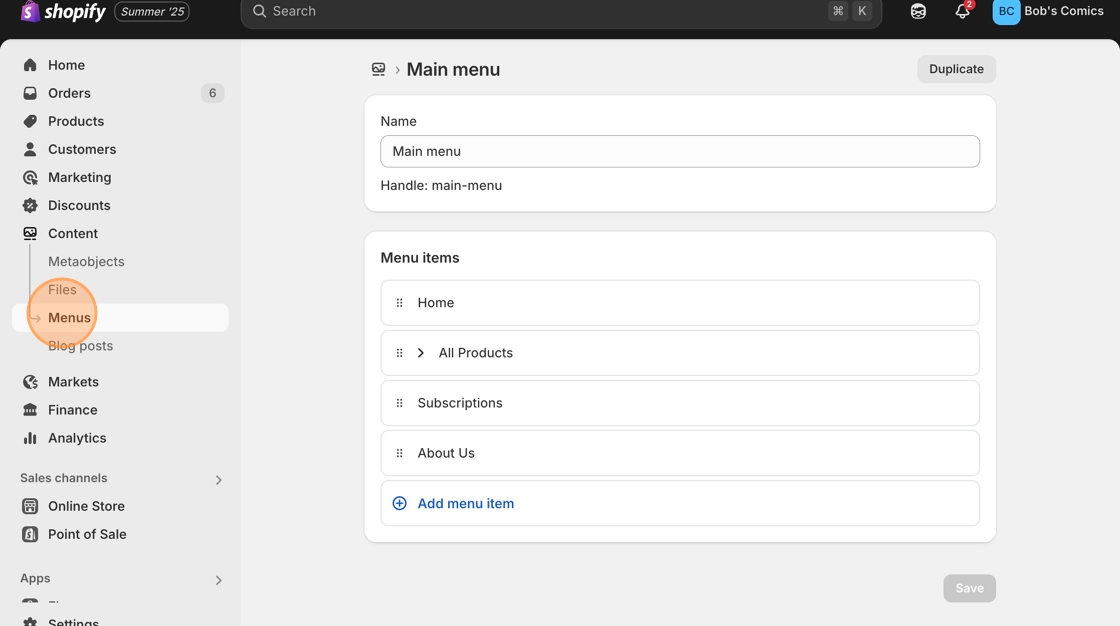
1. Click "Content > Menus"
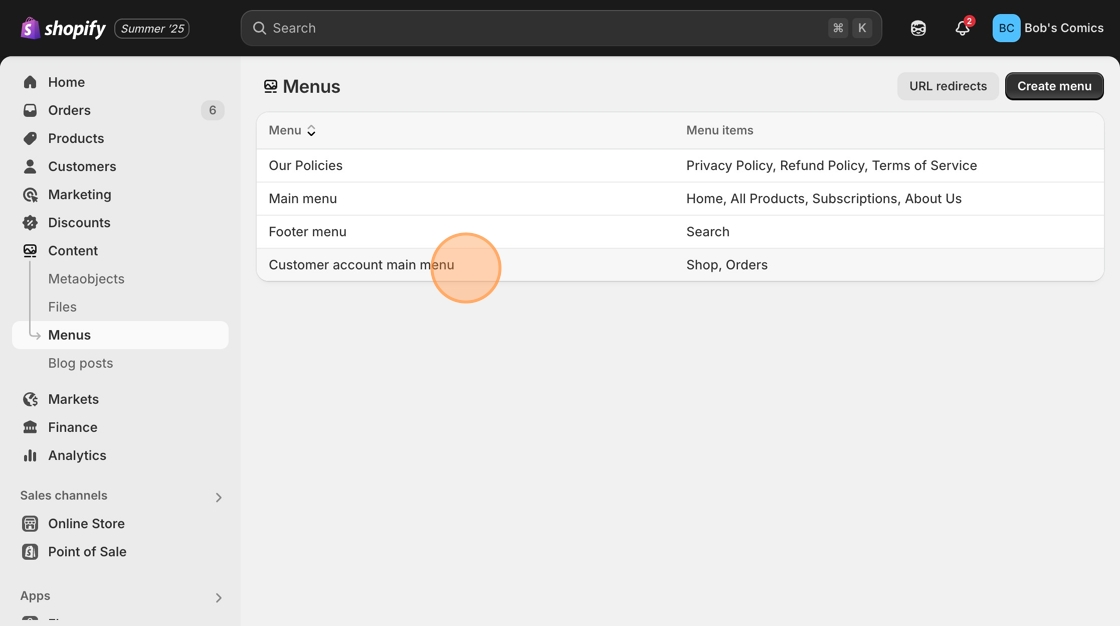
2. Click "Customer account main menu"
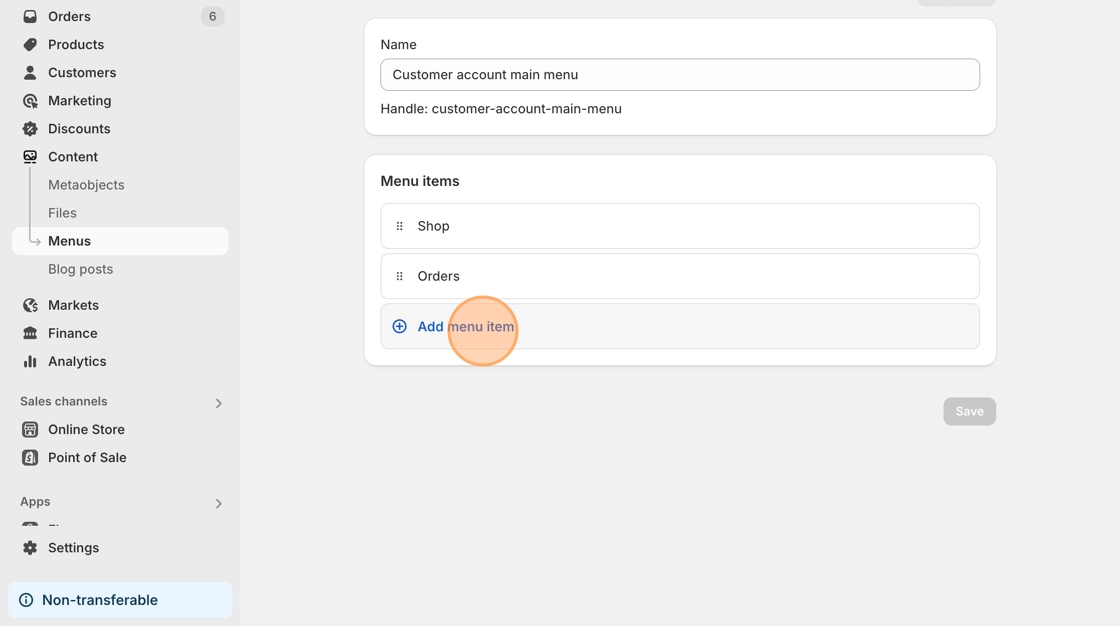
3. Click "Add menu item"
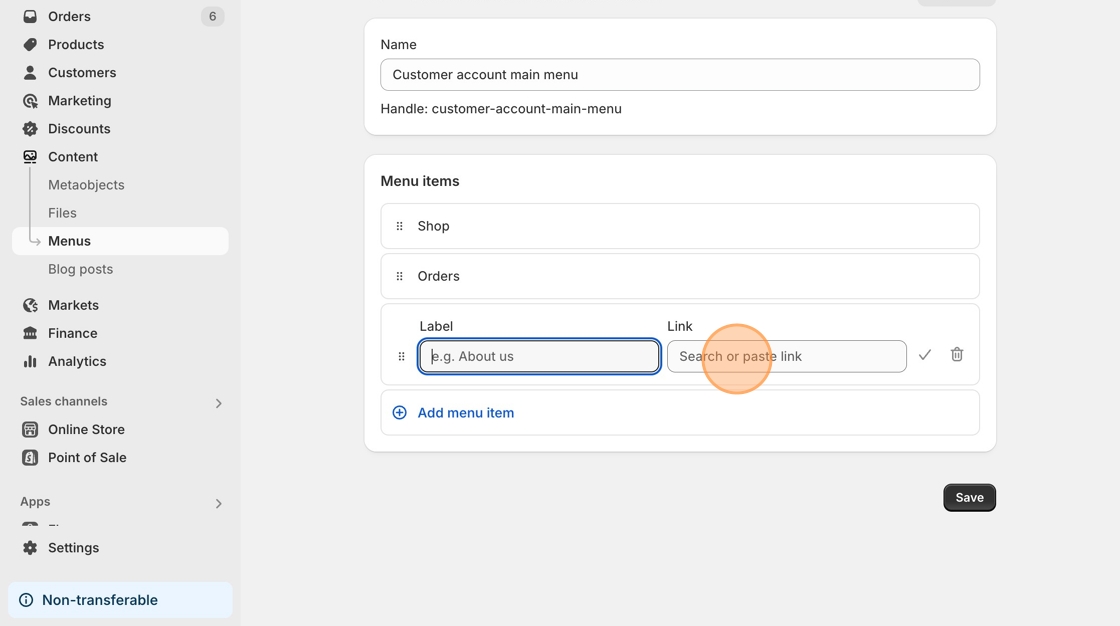
4. Click the "Link" field.
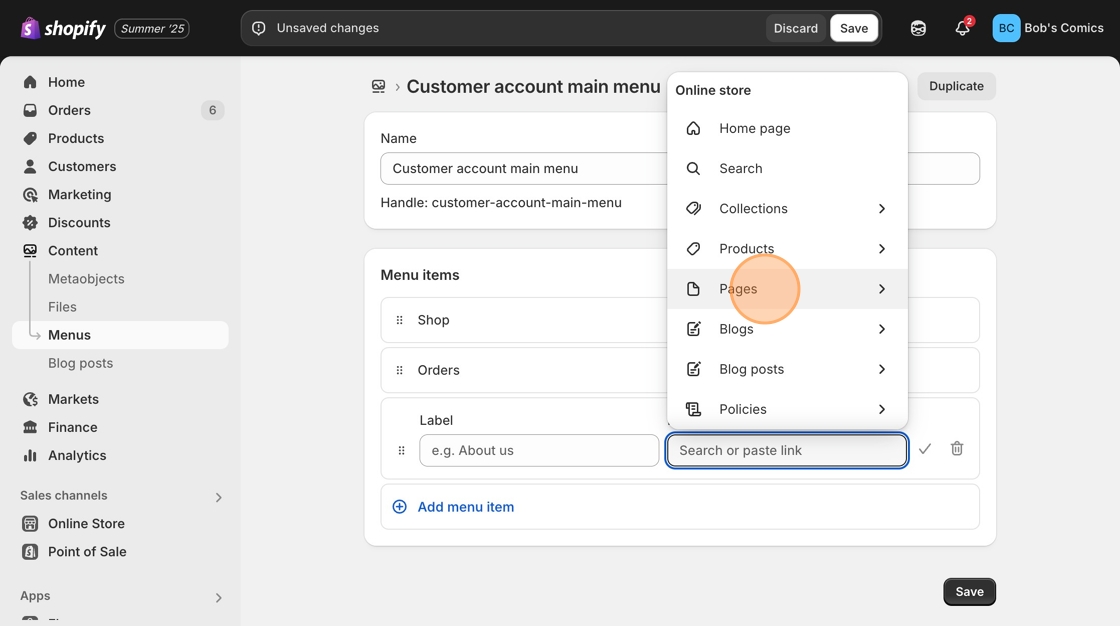
5. Click "Pages"
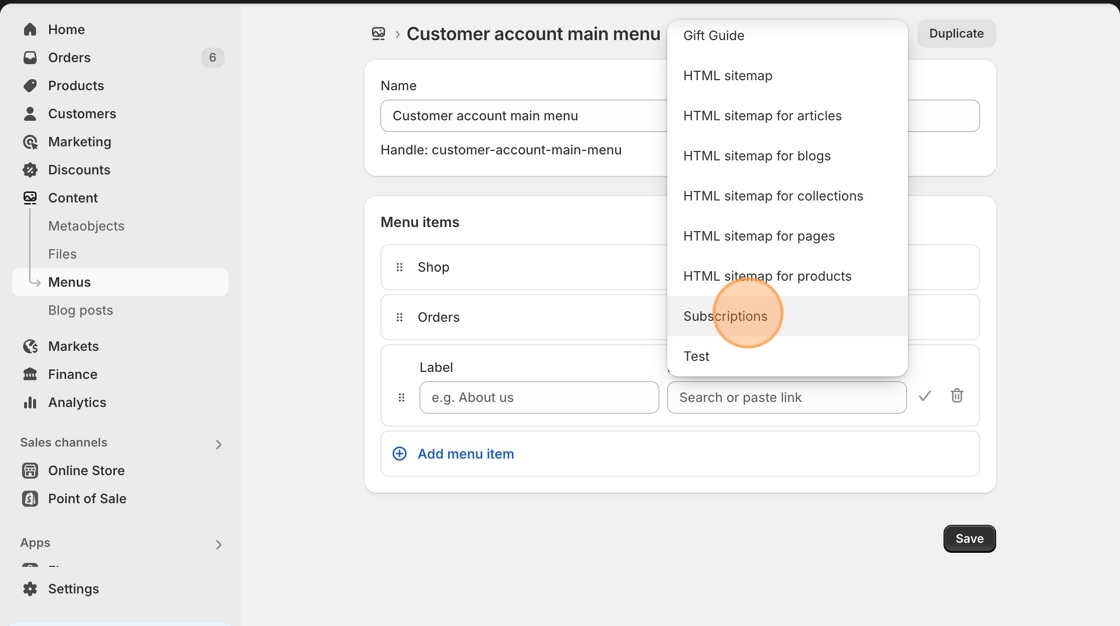
6. Navigate to, and click "Subscriptions"
7. Click "Save"
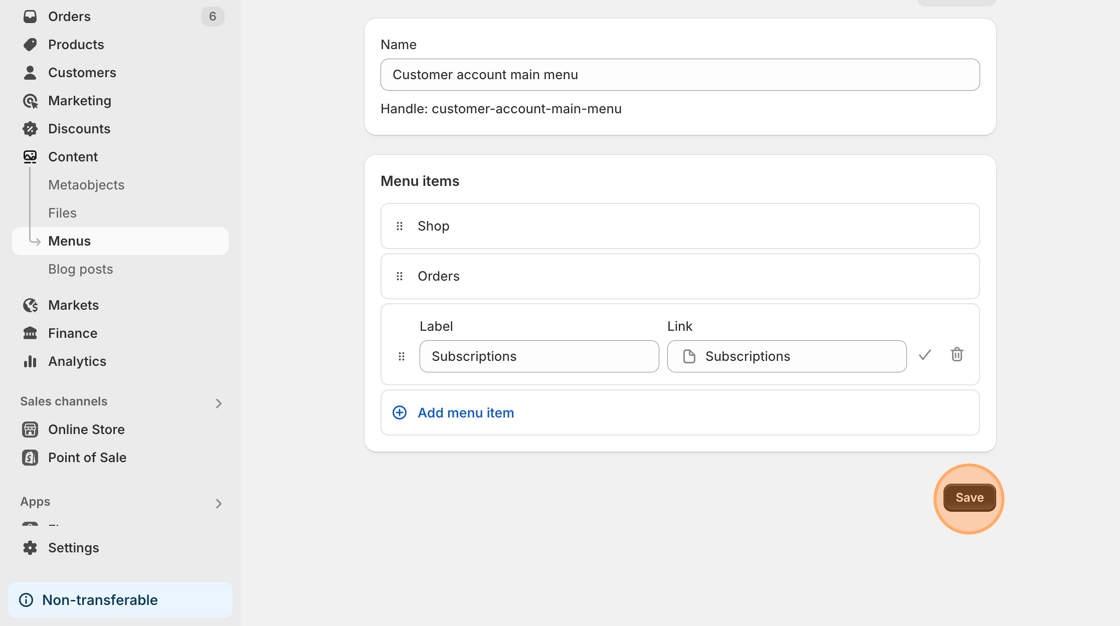
8. You've now added your subscriptions page to both your Main Menu, as well as your Account Menu. Congratulations!