
Set up default discount rates
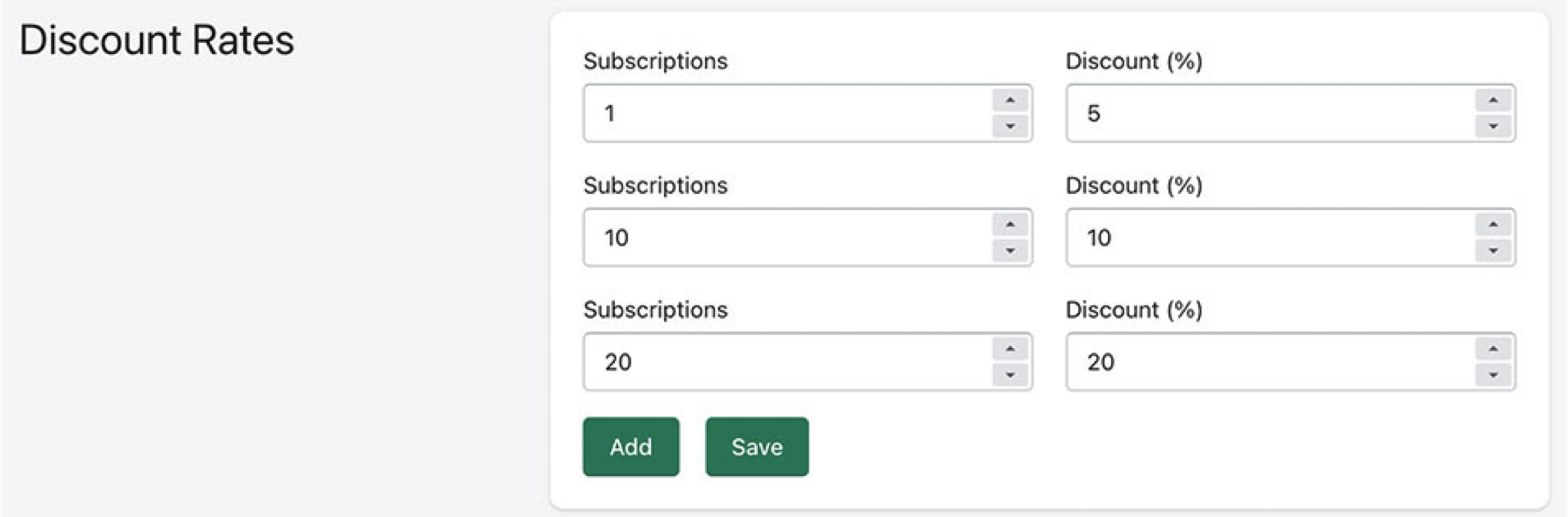
By default your customer discount rates are set to 0.
You can add a single discount rate or tiers. Tiers are based on how many subscriptions to ongoing series (comics or TPB series) the customer currently has.
Subscriptions 1 would mean 1 or more.
Subscriptions 10 means 10 or more.
In this scenario, a customer with 9 comics would get a 5% discount, while a customer with 11 comics would get 10%
Tags (for Shopify Imports)
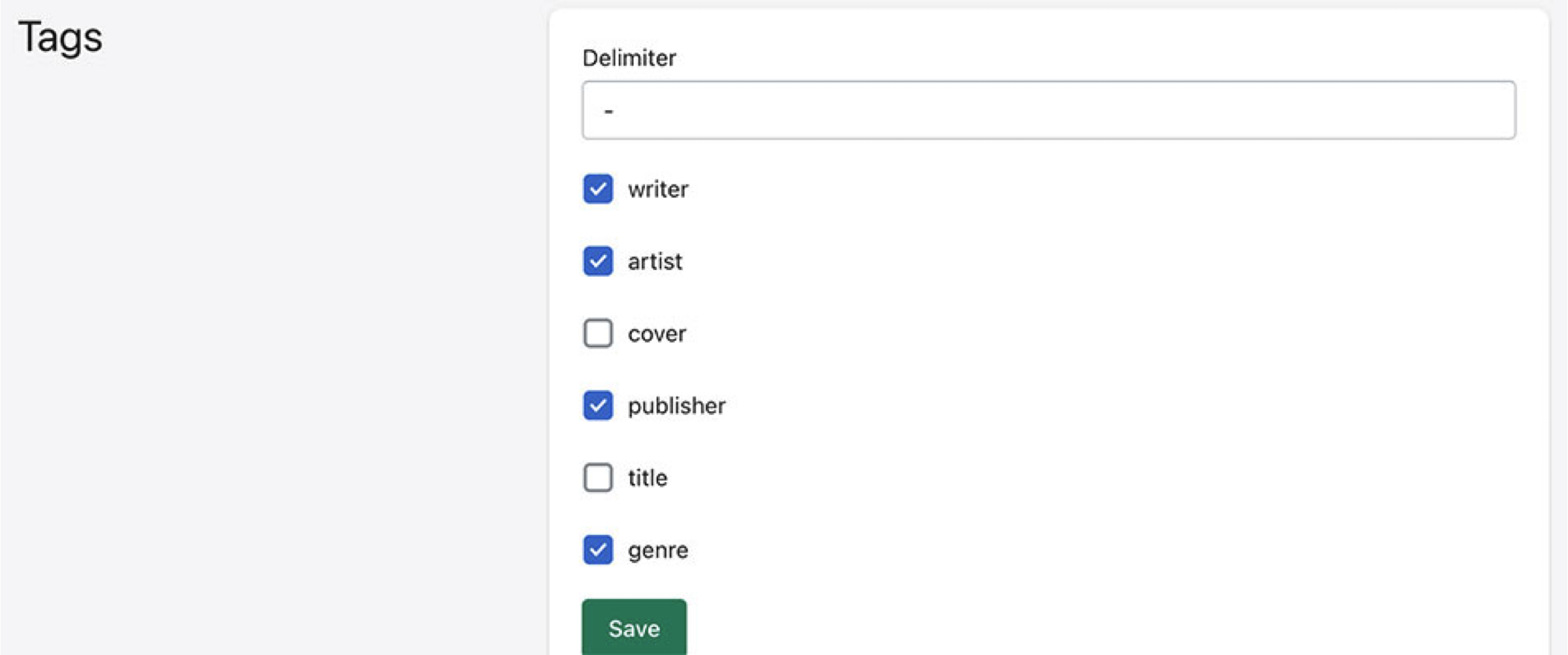
Part of Manage Comics is that it makes your products available online after they have arrived in store.
Tags allow you to add filtering and give you more collection power.
We recommend the publisher and genre tags as they will help your customers find the products they are looking for, however you can disable all tags, and just rely on Vendor and Product Type fields within Shopify.
Shipping Options
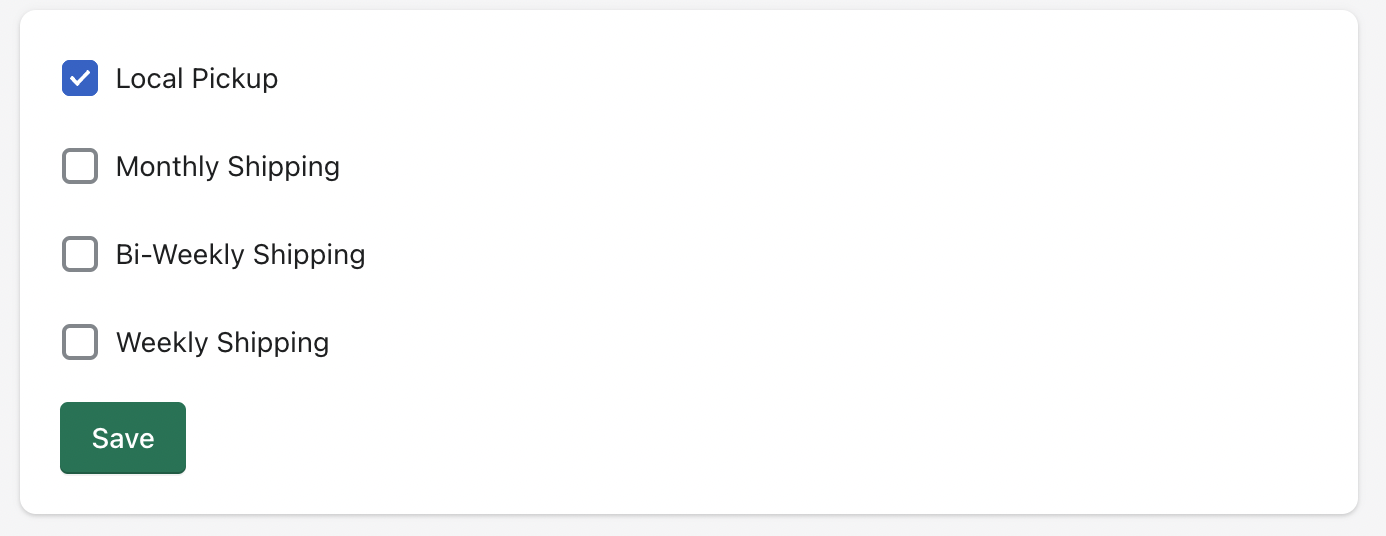
Your store requires at least one Shipping Option, but you can choose from Local, Monthly shipping, bi-weekly shipping, and weekly shipping.